Connect Stripe
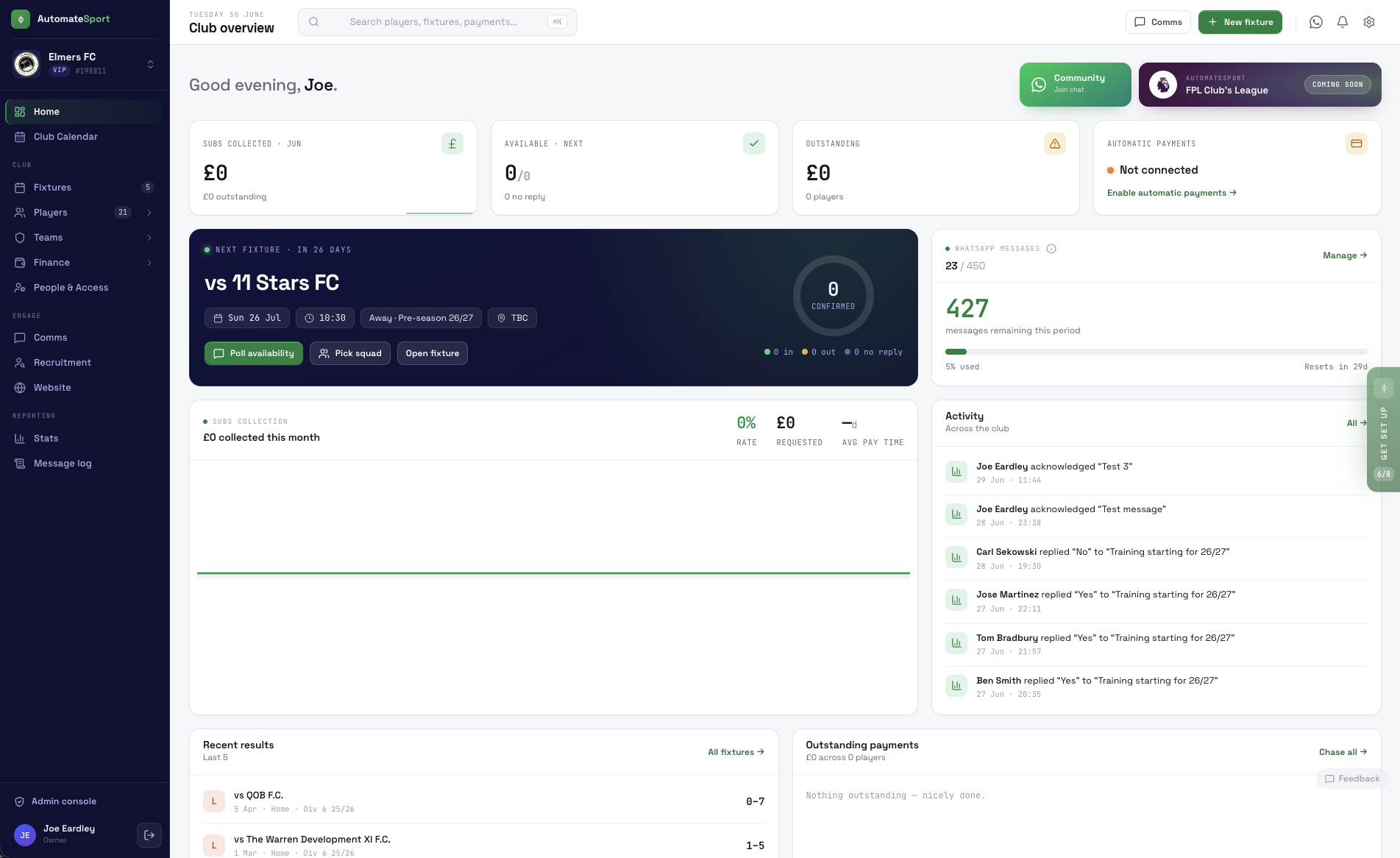
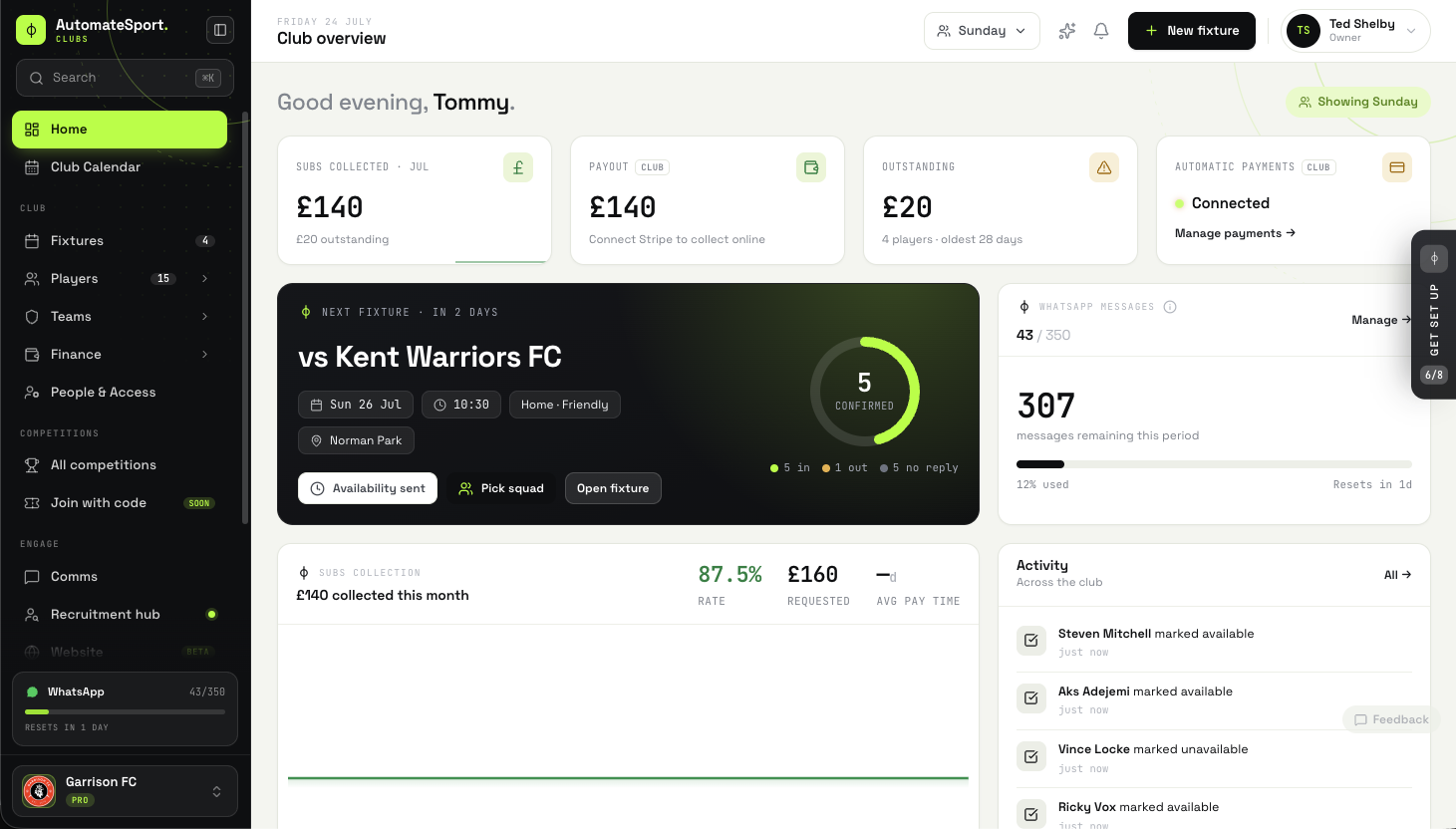
Card payments go straight to your club’s own Stripe account. Connecting it takes a few minutes: add your club’s details, confirm your bank account and you’re ready to take payments.
Once it’s connected, set your match fees and any season subs.
Send the first payment request
When you confirm who played, every player gets a WhatsApp message with a personal link to their portal. It opens straight on the fee, and they can pay by Apple Pay, Google Pay or card.
“The money lands in the club’s account, and you can see who’s paid without opening a spreadsheet.”
Anyone who hasn’t paid gets one automatic reminder, so you don’t have to chase anyone yourself.
What changed
- Subs paid by card instead of cash on the touchline.
- Every payment tracked against the right player.
- No more chasing people for money.
Takeaways
TRY IT WITH YOUR TEAM
Connect Stripe before your next fixture, set a fixed match fee and send the links straight after the final whistle.